05 / Integration
Connect to the stack you already use.
TeleoperationIsaac SimGurren interfacesPolicyData
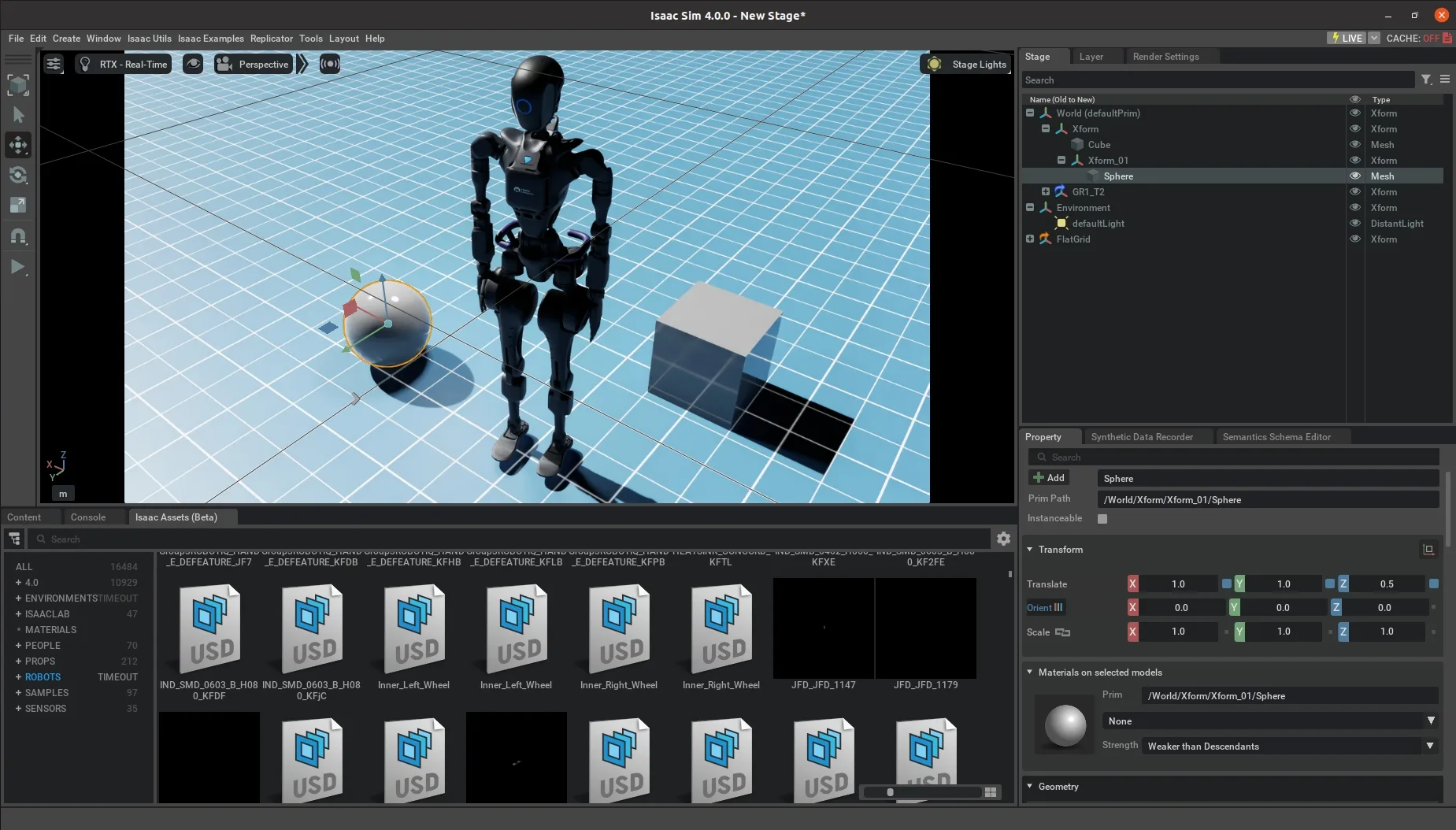
Connect Gurren to Isaac Sim and existing teleoperation, VLA, policy, and data pipelines through extensible software interfaces.
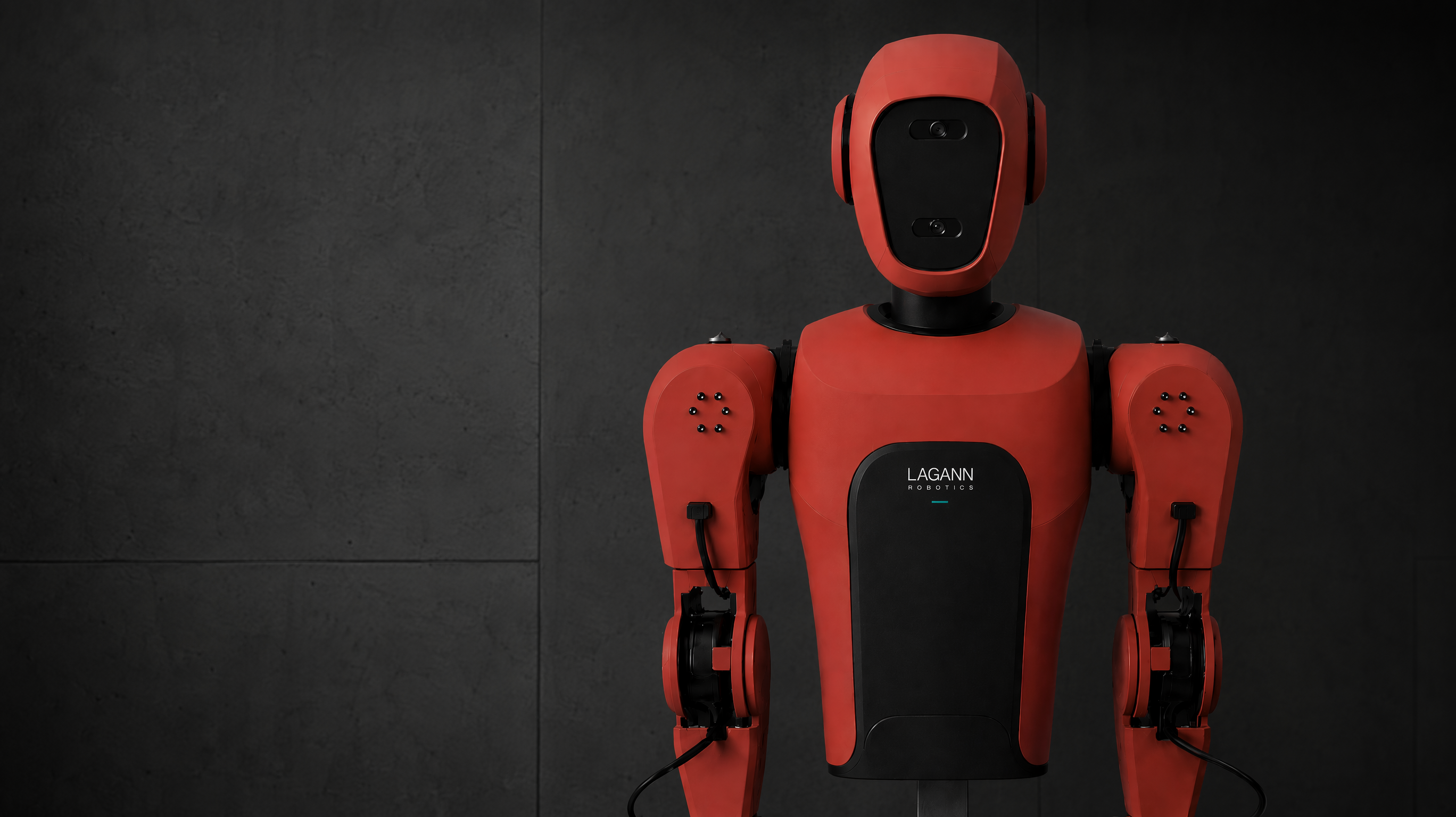
Meet Gurren
Gurren moves robot policies from simulation and training into real-world deployment. Use one modular dual-arm platform to teleoperate tasks, collect data, correct failures, and test performance on physical hardware.
From lab to deployment
Train policies in simulation, test them on Gurren, correct failures through teleoperation, and deploy them where they must work. Gurren builds on the OpenArm standard and is engineered for greater rigidity, stability, and mechanical reliability.
01 / Simulation
02 / Gurren
03 / Real world
Built for physical AI
Move from demonstration to autonomous execution: capture every signal, validate each policy on hardware, and turn human corrections into the next round of training data.
01
Teleoperation
Capture real-world demonstrations through intuitive bimanual teleoperation, with every movement recorded for training and evaluation.
02
Data capture
Capture synchronized vision, joint state, actions, and sensor data to create clean, high-quality datasets for physical AI.
03
Sim-to-real
Develop and test policies in simulation, then validate their performance on the same embodied platform in the real world.
04
Intervention
Take control when a policy drifts, complete the task, and turn each intervention into new training data.
Platform enablers
Integration, quick-change tooling, and serviceable hardware keep the loop moving across existing software stacks, changing tasks, and repeated real-world tests.
05 / Integration
Connect Gurren to Isaac Sim and existing teleoperation, VLA, policy, and data pipelines through extensible software interfaces.
06 / Quick-change
Gurren is designed to use Lagann end effectors or a custom connector so teams can change tools without rebuilding the arm or platform.
07 / Deployment
Gurren is designed with serviceable hardware so teams can keep experiments, data collection, and pilot deployments moving.
Platform comparison
Move from demonstration and training to real-world deployment without rebuilding the robot around each new workflow.
01 / Tooling
Gurren
Swap tools automatically
Typical alternatives
Change tools manually
02 / Control
Gurren
Take over failed policies
Typical alternatives
Build recovery separately
03 / Tooling
Gurren
Run multiple tool workflows
Typical alternatives
Stay locked to one tool
04 / Tooling
Gurren
Build custom end effectors
Typical alternatives
Use vendor-specific tooling
05 / Data
Gurren
Record and replay training data
Typical alternatives
Build a separate data setup
06 / Validation
Gurren
Validate policies on the same robot
Typical alternatives
Integrate hardware separately
07 / Mobility
Gurren
Change mobility bases
Typical alternatives
Commit to a fixed base
08 / Service
Gurren
Replace components in the field
Typical alternatives
Wait through longer repairs
Modular mobility
Gurren is designed to mount the same upper body on wheels or legs while keeping the same arms, sensors, compute, tooling, and data workflows.
One upper body · One base interface
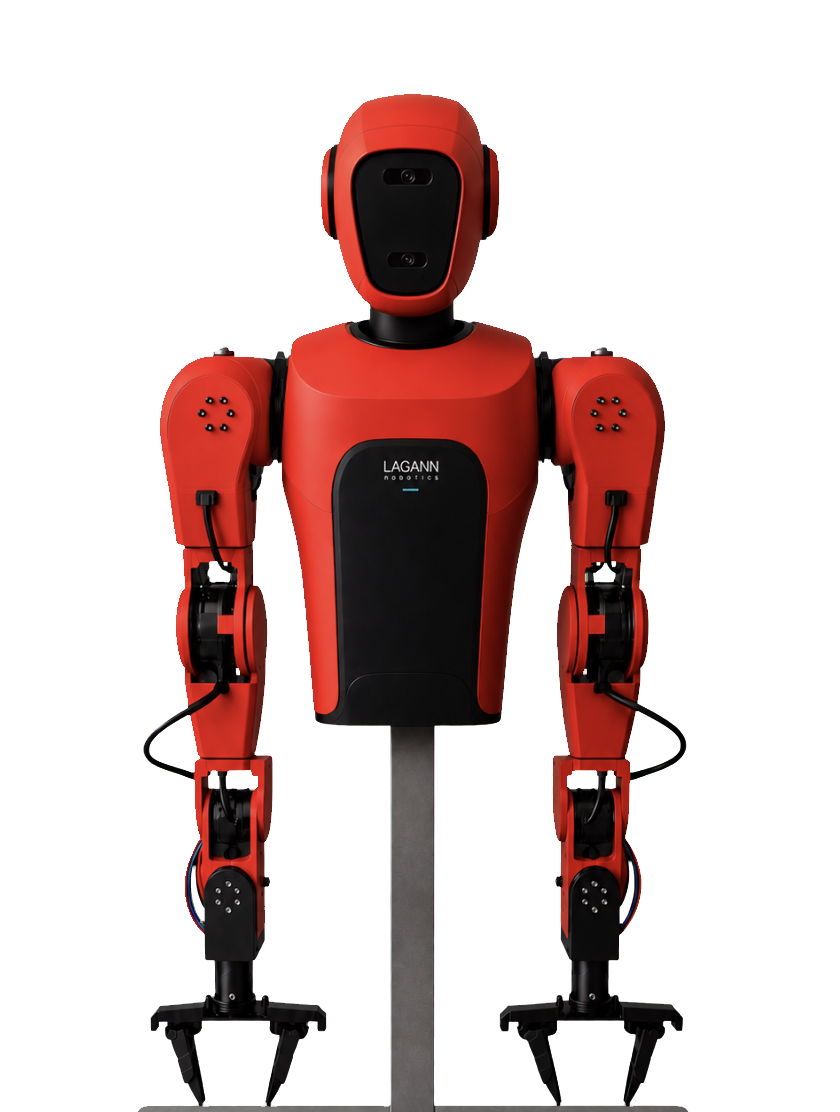
Modular base interface
01 / Wheeled base
02 / Legged base
Wheels are designed to move efficiently across structured spaces. Legs extend the platform toward stairs, uneven ground, and environments designed around people.
The modular interface is designed to let teams change mobility without replacing the upper body or rebuilding the development workflow.
Move beyond the lab
Tell us what must work outside the lab. We’ll define the robot configuration, data workflow, and success criteria for a focused real-world pilot.